3 - On scene transitions
Blending two scenes together in Unity is kind of a pain. There's not really a good way to match two terrain objects up perfectly at the seam (that I've found). The benefits of using scenes and loading / unloading them in a smart manner are too good to ignore, so I have to figure out a good way to manage these transitions. For this game I've decided I can afford to be a little liberal in how I load scenes (given that we're low poly). I'll probably stick to loading scenes obstructed by terrain and assets (like hallways) well in advance of when they're needed, just to prioritize a seamless feeling.
Speaking of seams
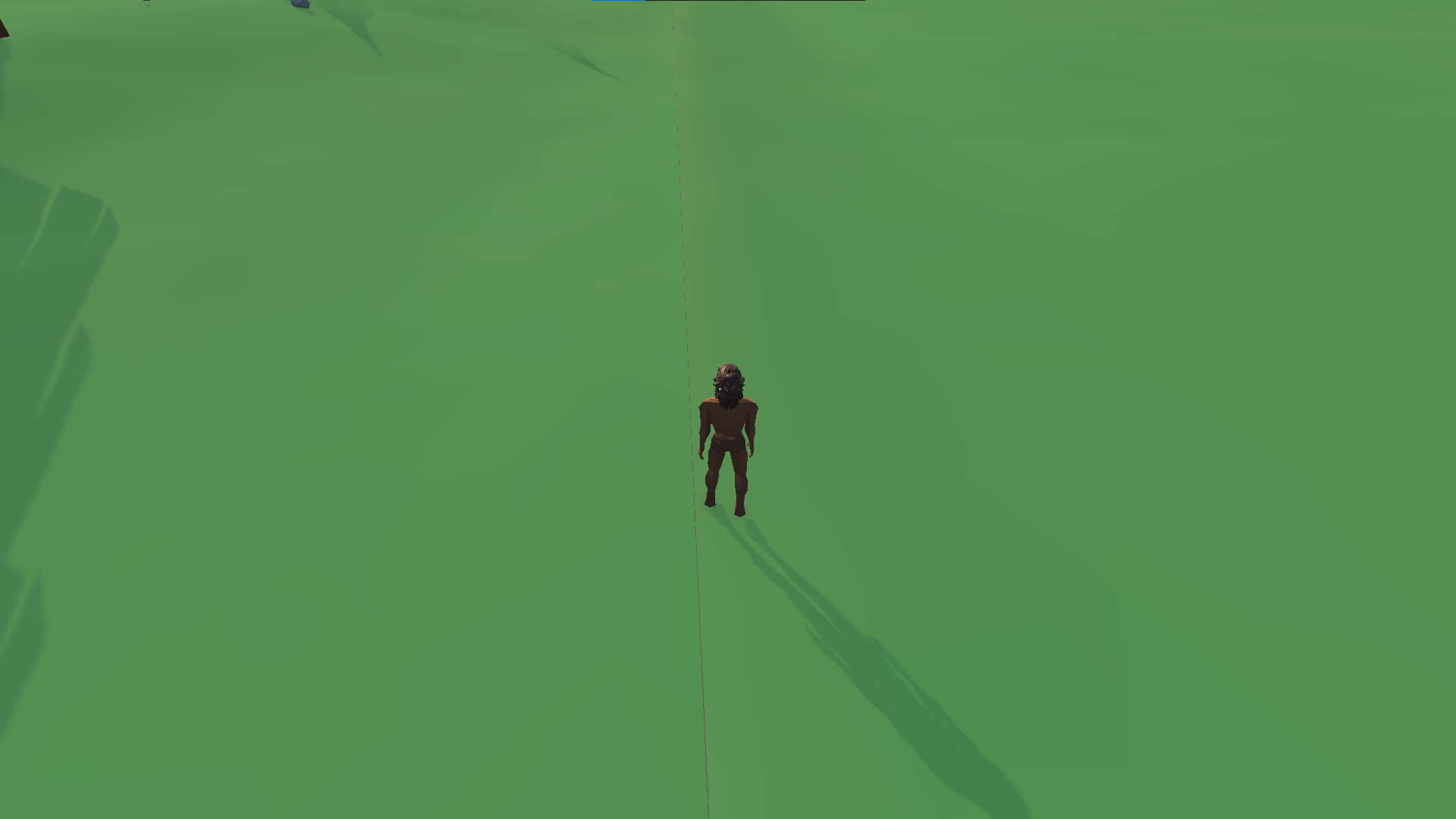
I had to come up with a way to make sure there weren't seams at the edges of the scenes. My first idea was to just match the terrain y-level as nicely as possible - but no matter how I did it, there was always a bit of seam. Next I tried a much more successful idea of having the two terrain objects overlap by 10 units.
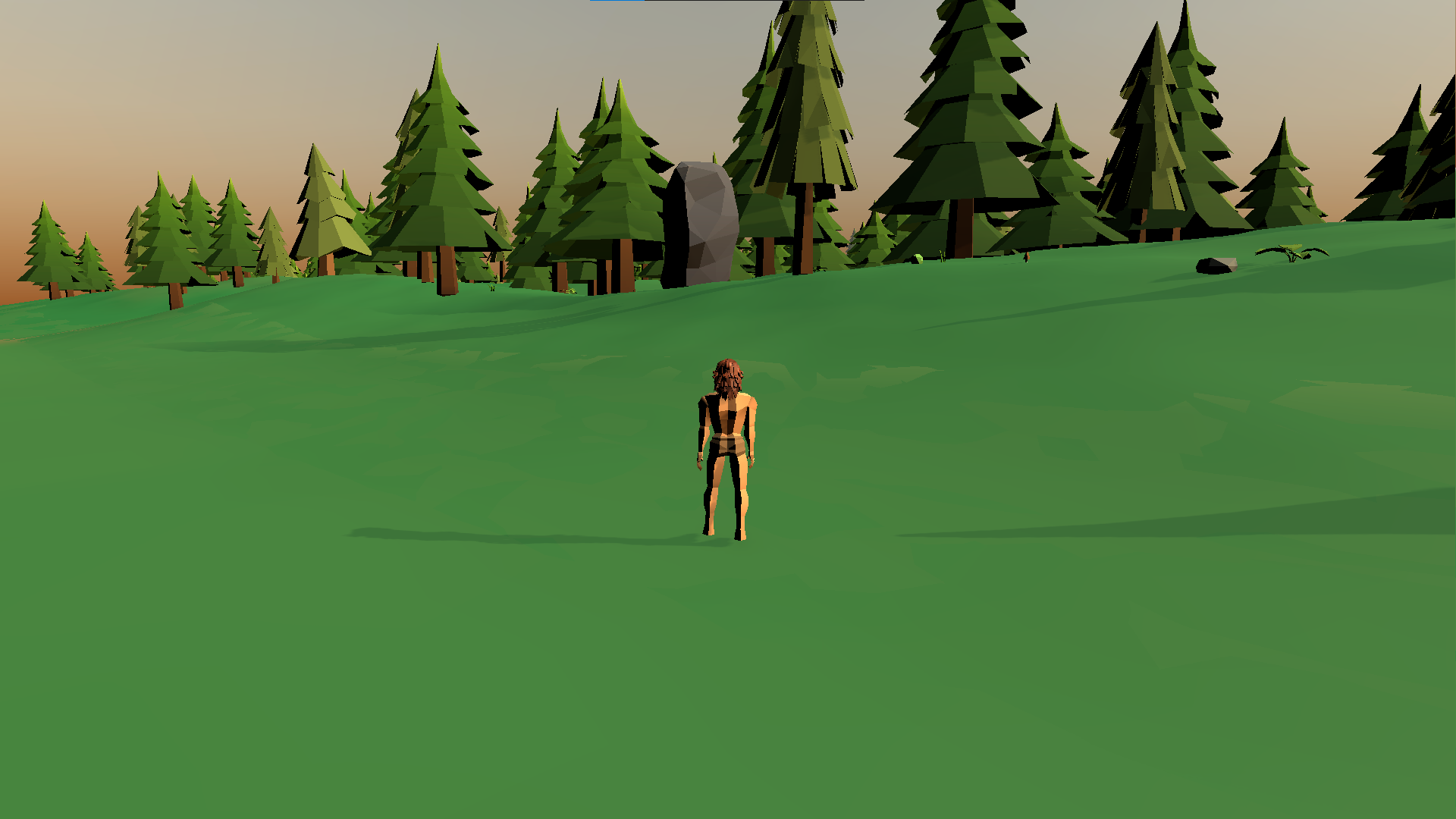
This works ok when the scene is pretty busy, but not so well when you're looking at a well defined texture on the floor, like road:
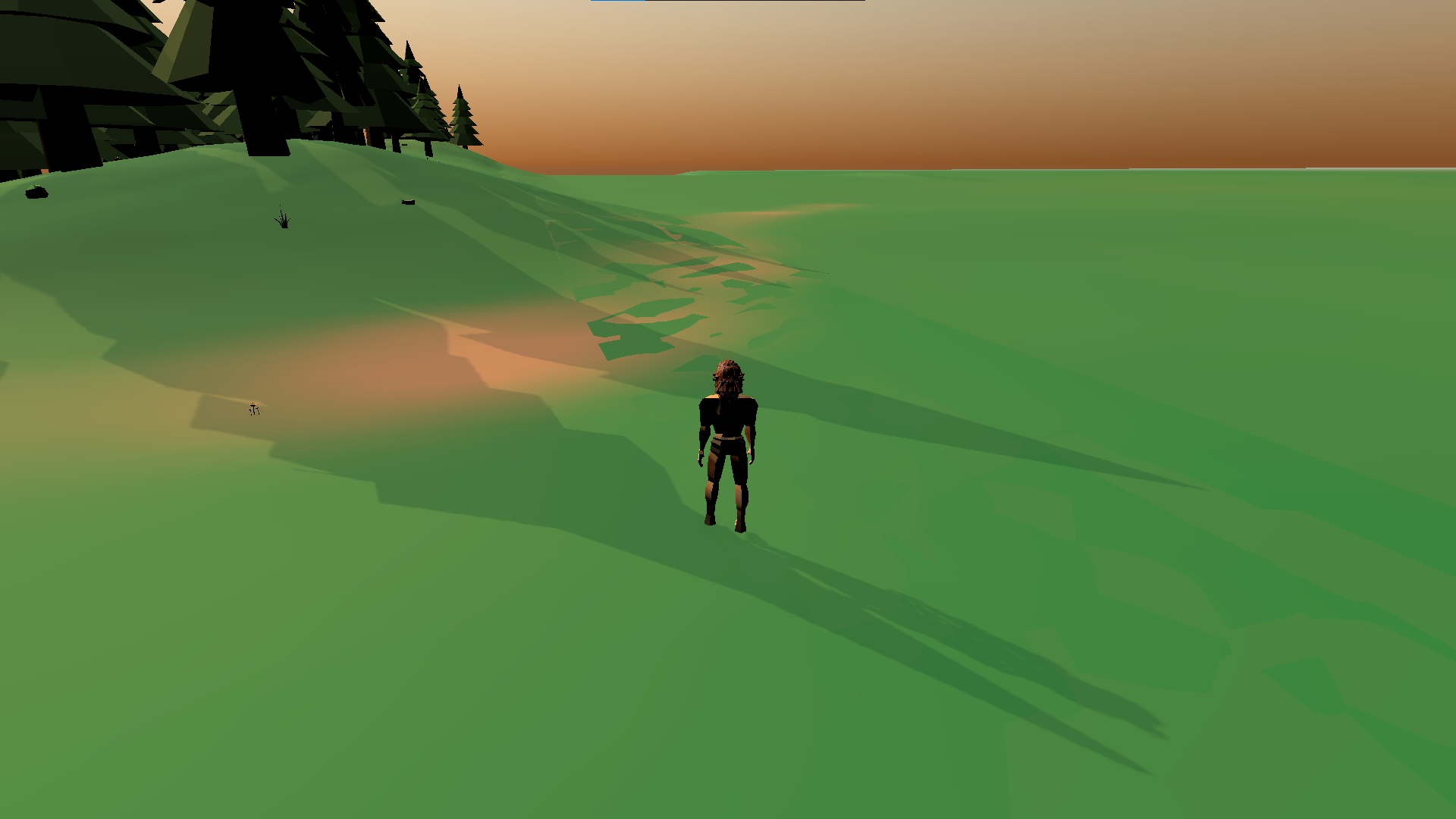
I felt like this approach had to be the right way to do it, but there was too much "fighting" for the texture that would appear on top between two nearly-even terrain surfaces. I ended up elevating the terrain of the forest level by 0.04 units to try and reduce this effect and it was pretty successful. All I had to do after that was to hide the 'crease' by spamming more objects around it (ideally on top of it so you don't see it at all). Here's what the transition looks like now that I've filled the forest with some trees and foliage and dropped some assets on the crease.
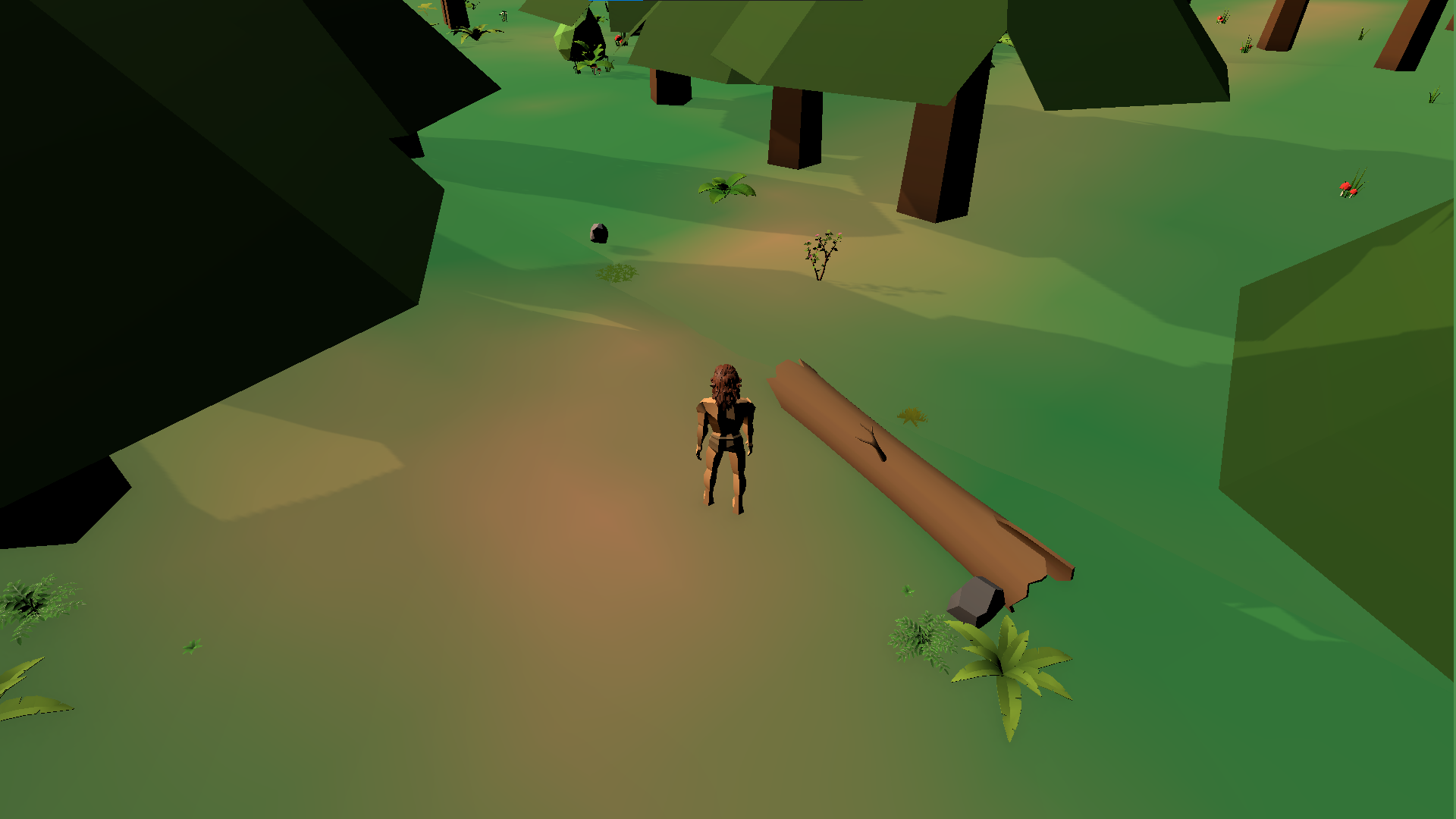
That's looking directly at the crease. You can still see that there's a bit of an artifact there if you stare at it. Normally, however, you'll see it more like this:
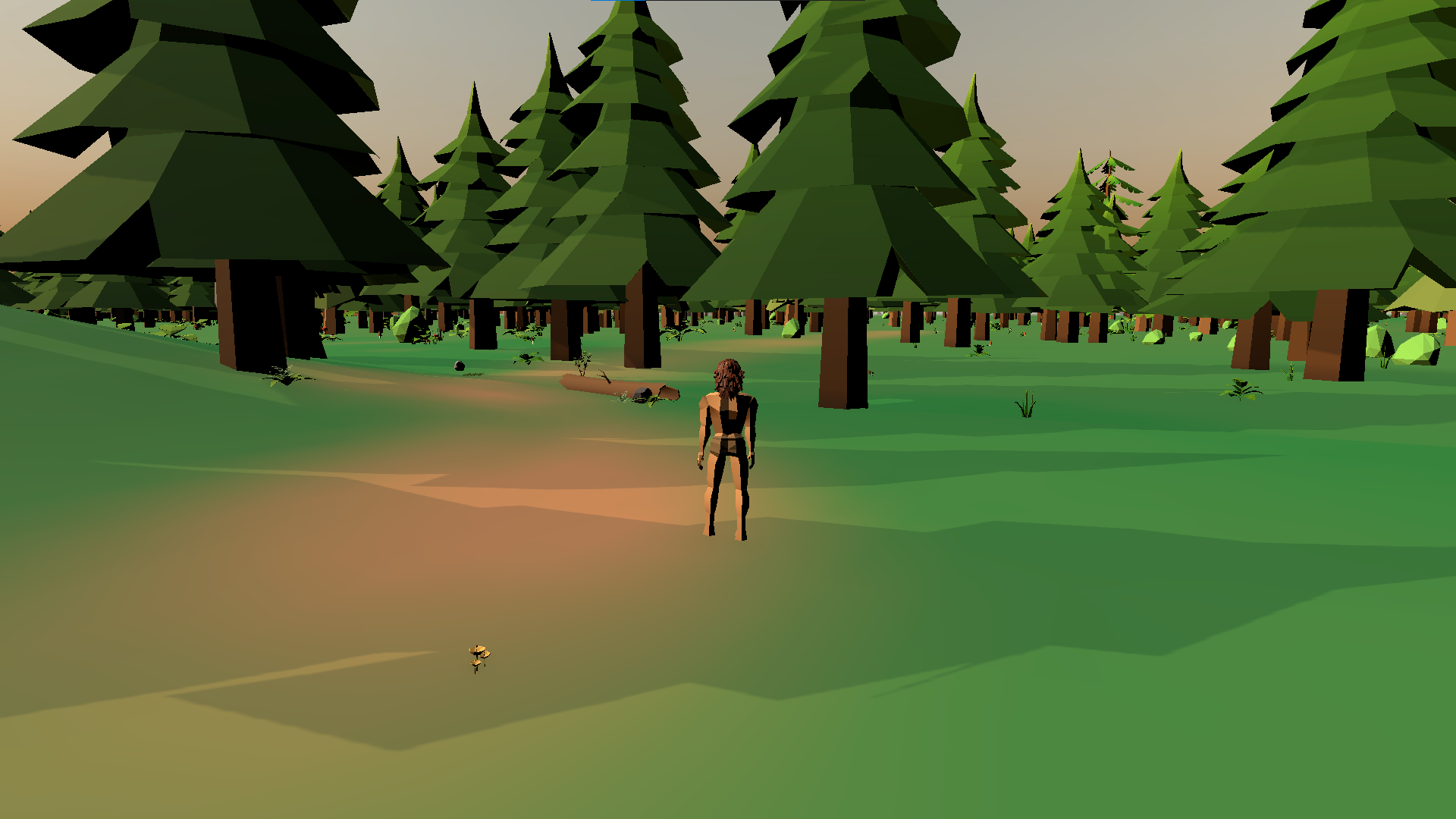
That should be good enough.
Comments